VedVed
← All work

  • Enterprise SaaS
  • Product design
  • Full‑time · Tekion

Tekion builds the software a car dealership runs on — sales, service, parts, finance and the paperwork tying them together. The work is enterprise SaaS at its least glamorous and most demanding: dense screens, long workflows, several kinds of user inside the same account, and nothing that can be simplified by leaving a feature out. The boards below are unrelated to each other — separate products and separate problems, picked to show the range rather than to tell one story.
01Dealer Portal rethemed to a dealer group's brand. The top row annotates every change in orange callouts across six screens — setups and configurations, website setup, deal desking, vehicle inventory, sales setup and a new deal — covering sidebar and app-button colour, the header gradient, the logo moving to centre, a “What's new” entry point, the type family, status colours remapped to the brand palette, rounded corners on inputs and CTAs, and a gradient on the primary button. The row underneath is more of the same platform without the annotations: a General Motors analytics dashboard, a program implementation screen with its phase checklist, and the note and reminder modals that sit on top of it.
02A full screen matrix for the Forms Portal. Each row is one complete flow — create a form, self-edit, request Tekion's edit, publish or move one between dealerships, search, request, quick view, forms library interactions — laid end to end so a reviewer can read a whole journey without opening a prototype. The right-hand column doubles every flow that permissions touch: green for a permitted user, red for a restricted one.
03Commercial vehicle quoting, in Ford Pro branding on a dark chrome. Three screens: a quote's documents, with every version and upload tracked by who shared it and when; the quote itself, where a single deal carries several vehicle configurations at once, each with its own specs, upfitting and subscriptions; and the share panel, where the sender toggles field by field what makes it into the customer's PDF and watches the preview update beside it.
04A map of what the Forms Portal actually is, made before any screens. Two systems sit side by side — the Forms Library that Tekion's own forms team runs today, and the Forms Portal a dealership would get — each with its definition, its personas, and the exact actions every persona is allowed. Open questions stay pinned in the margin in red rather than being quietly resolved. The flows underneath fall out of that map: one path per persona, from a dealership admin hunting for a form that doesn't exist yet, through Tekion's review and approval, to the form landing back in the library.
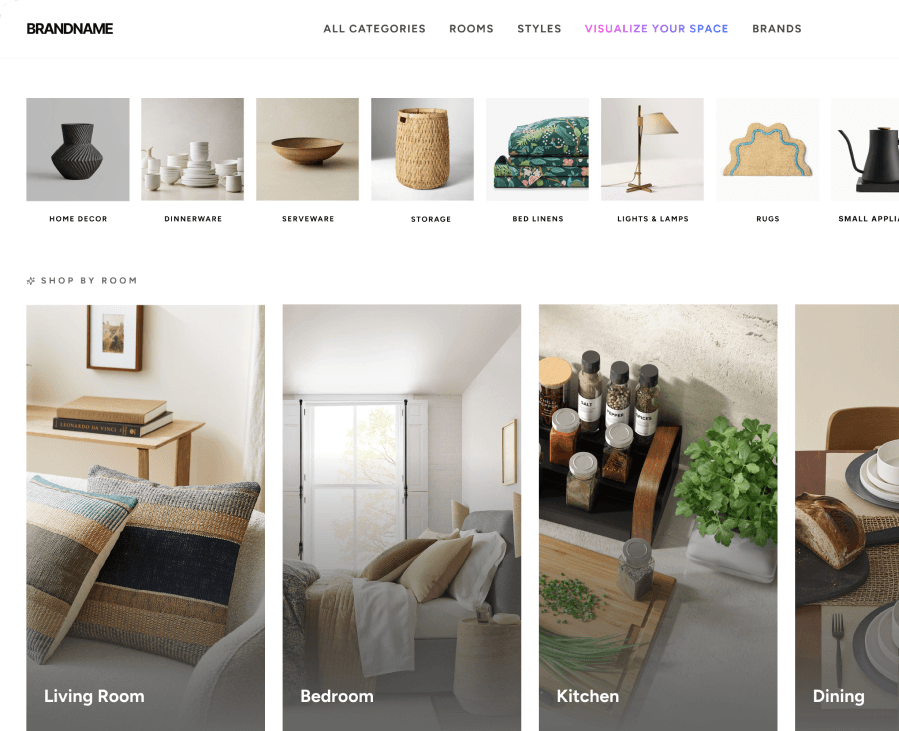
Home Furnishings — e-commerce concept, shop-by-room browsing
Home FurnishingsConcept